Running
Recognise running movement across a sequence of frames.
 Applied intelligence. PortalLet’s talk
Multimodal video intelligence
Search video with an image or a description. Recognise actions across frames and bring the evidence into one clear operational picture.
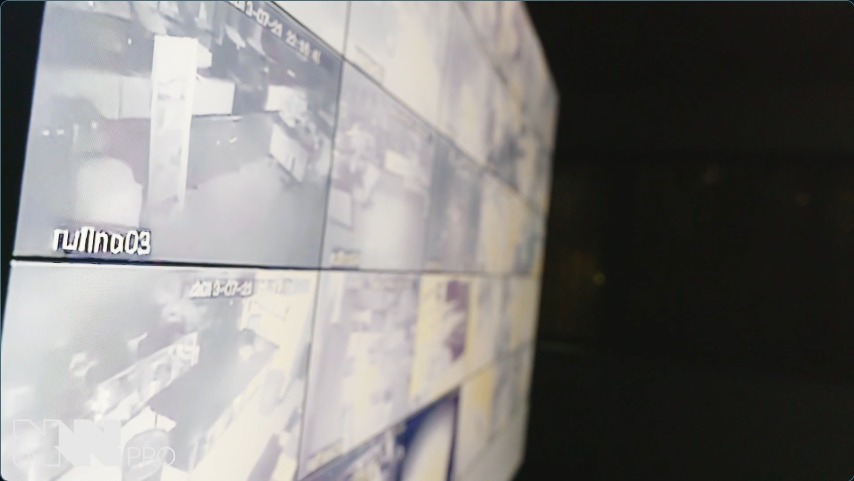
Playback is unavailable. Open the video directly
An investigation starts with a description. Follow the search back to the footage.
01 / Search your video
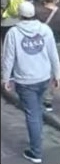
Use a reference image to search for similar appearances, or describe what you remember. Choose the cameras, recordings and dates that matter to your investigation.
Search results give operators candidates to investigate. They review the surrounding video before drawing a conclusion.

Person in a grey hoodie with a large dark circular logo on the back and a white cap
Review the source.
See the full moment.

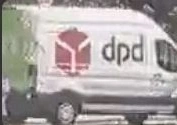
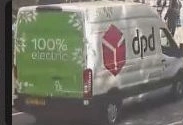
DPD delivery van

02 / Actions, interactions and events
NexuSec interprets movement and behaviour across multiple frames. Action recognition adds context to what a camera sees.
Recognise running movement across a sequence of frames.
Surface a possible fall for an operator to review.
Interpret movement over a barrier in suitable camera views.
Analyse movement and interaction between people.

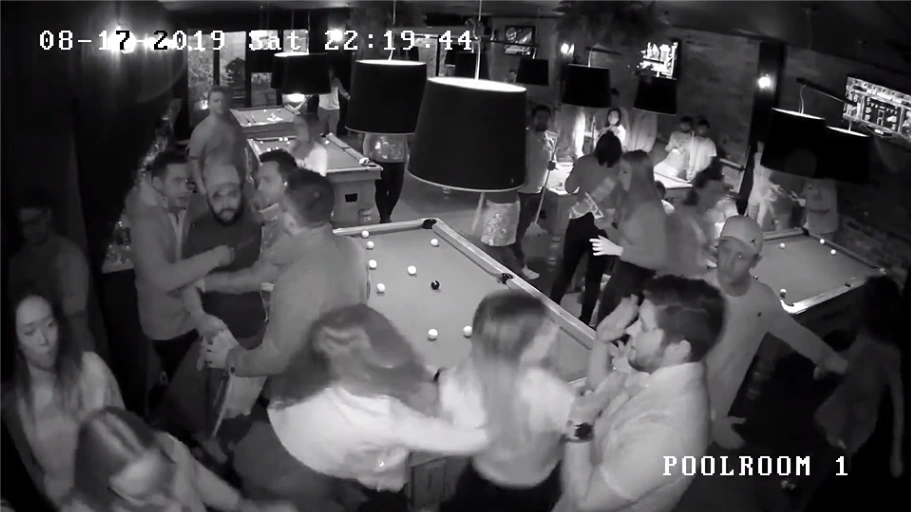 Source footage
03 / The operational picture
Review the action alongside its location, timing and surrounding footage. Operators can return to the evidence and examine the event in context.
Open the relevant scene and review the moments around the event.
See the action or configured condition that prompted the event.
Know which camera or recording supplied the evidence.
Return to the event’s position in the recording.
See where the activity occurred in the camera’s view.
Multimodal AI / Contextual reasoning
Combine scene detail, movement and audio in a readable event narrative. Use contextual AI reasoning to explore a timestamped sequence or ask questions about what happened, with the relevant moments ready to review.

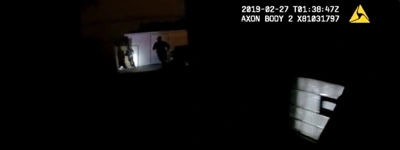 Original footage
“Tell the story of this recording. Combine what is visible with what is heard, and highlight the key moments.”
The camera wearer moves through a dimly lit outdoor area beside a building. Lit windows and nearby lights provide patches of visibility as the viewpoint changes.
At 00:29, a sharp report is heard, labelled as possible gunfire. A gasp follows at 00:31, then another bang at 00:36. These sounds form a short sequence of events within the moving camera view.
The recording gives a reviewer the setting, event order and moments to inspect. The source of the sounds and their connection to anyone in view remain unclear.
The moving camera shows a building and local lights. Visibility changes with the wearer’s viewpoint.
Audio suggests possible gunfire. Its source is not established by the visible scene.
A brief vocal sound follows the report; the speaker and cause are unclear.
A second impact-like sound marks another moment to inspect alongside the video.
Turn important notifications into clear spoken messages. Help operators notice priority events without watching every screen, with the supporting footage ready to review.
Where audio is available, highlight possible signs of distress, such as shouting or calls for help. Link the alert to surrounding footage so operators can assess the situation and decide the response.
04 / Our training capability
NWPRO develops and tests its own AI models for the events that matter to your operation.
We test against your camera views and real operating conditions, including the situations that can cause missed events or false alarms.

Event detection does not require facial recognition or biometric identification. Operators review the evidence and decide the response.
NexuSec / Built around your operation
Bring us your footage, camera views and operational scenarios. We’ll show you where NexuSec can help.